Google Ads for Senior Living and Assisted Living Communities
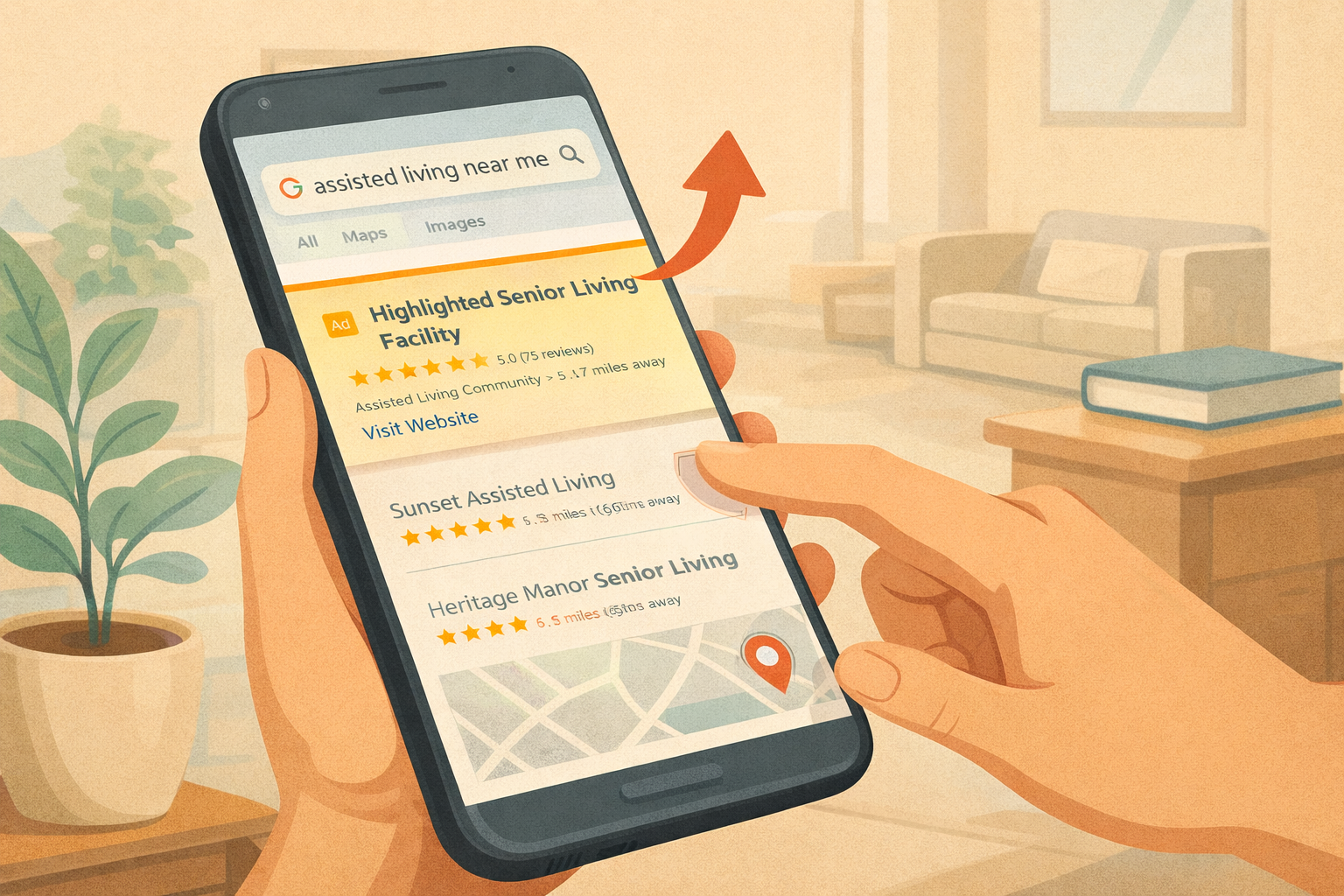
For senior living, assisted living, memory care, and nursing home communities, Google Search Ads and Bing Ads are often the fastest way to generate high-quality leads. These ads let you show up exactly when families are actively searching for care options in your area. If you are looking for fast results, this is where to start.
Why Show Up on Google and Bing?
These are the main places people look when they search online for products or services. Unlike traditional advertising — where you pay to catch people driving by a billboard or watching TV — search ads only appear when someone is actively looking for what you offer. Better yet, you only pay when they click to your website or landing page, and you can track the results. Pay-Per-Click (PPC) search engine ads are like marketing magic when they're set up and working well.
Use Dedicated Landing Pages
Dedicated landing pages convert at much higher rates than general website pages. A focused page with no top menu, no distracting links to other content, and one single clear call-to-action button helps turn clicks into inquiries and tours.
Because visitors to these special landing pages can't navigate to the rest of your website, you need to include absolutely all the information families would want to know on one page:
Your community name and location (with an embedded map)
Photos of the facility, staff, and residents (if possible)
Amenities and activities
Cost range (showing pricing builds trust)
Healthcare, safety, and staff information
Testimonials and reviews from residents and families
Videos if possible
Results from Senior Living PPC Campaigns
When Milestone Senior Living first worked with us, they were showing up on page 2 of Google and getting very few inbound leads. After launching Google Search Ads and Bing Ads — pointed at improved, conversion-optimized location pages — their occupancy rate grew from 82% to 95.5% across nine locations in just nine months.
Then when Aaron Barrett from Copperstone Assisted Living hired us to market their brand new facility in Neenah, Wisconsin, they jumped from 40% to 90% occupancy in just eight months. As Aaron shared: "We went from 40% occupancy to 90% and are cranking to get that last 10%. Our metrics have all gone straight up — while spending less on ads than we did with a big national agency. They actually listened, understood our niche, and delivered real results."
Google Ads Keywords for Senior Living, Memory Care, and Nursing Homes
Choosing the right keywords is critical. You want search phrases that show strong intent — families who are actively ready to take action. Here are some of the highest-performing keyword categories for senior living PPC:
Assisted living near me
Senior living near me
Memory care near me / memory care facilities near me
Assisted living facilities near me
Senior assisted living near me
Independent living near me
Nursing home near me / nursing homes near me
Skilled nursing facility near me
You can find estimated monthly search volume for keywords in your specific geographic area using the Google Ads Keyword Planner or paid SEO tools like Ahrefs or SEMrush.
Google Ads Call Tracking
Set up special call tracking phone numbers so you know which campaigns drive calls. Even if you use your website location pages as landing pages, you can set up dynamic phone number swapping so visitors see call tracking numbers when they come from a Google ad. This makes it easy to measure results and improve over time.
Writing Effective Senior Living Ads
Ads should be clear, direct, and speak to what families care about most. Always include your keywords in your ad headlines. Beyond that, mention your main services, highlight trust factors, and include strong calls to action. Consider calling out:
Your location and what's nearby
Price range (transparency builds trust)
Private vs. state-funded pay
Whether a nurse is always on staff or on call
Activities offered
Whether the facility is secured for memory care
Ad Assets: Take Up More Space on Google
Google and Bing let you add extra information to your ads — called Assets (formerly Extensions) — to take up more space on the search results page. Add as many as you can, including:
Call assets (so people can tap to call right from Google)
Location assets (so they can find you in the Google local map pack)
Images and logo
Sitelinks, callouts, and structured snippets
Keyword Match Types and Negative Keywords
Your ads can appear for search terms you didn't anticipate. Many Google Search Ads end up appearing for irrelevant searches — and you pay for every click. You need to actively add negative keywords to stop paying for poor clicks, such as job-related searches, competitor brand names, and your own brand name (unless you need to defend it).
Use Phrase Match and Exact Match rather than Broad Match whenever possible. Broad Match causes your budget to be wasted on irrelevant clicks. Review your Search Terms report regularly and add negative keywords as needed.
Measuring PPC Performance
Track performance by measuring cost per lead, cost per tour, and cost per move-in. At our agency, we regularly see that it's possible to generate senior living Google Ads leads for $150–$300 per lead. If you can close one out of 10 of those leads, you can get new residents moving in for $3,000 or less — compared to the first month's rent you might have to pay to placement agencies.
When done well, Google Ads and Bing Ads allow you to reach families at the right moment, generate steady leads, and fill your community faster than almost any other marketing channel.
Paid search works best alongside organic. Pair your Google Ads with a strong senior living SEO foundation so families searching for assisted living find you in both the ads and the organic results.