Senior Living Websites: Why It Matters to Get Yours Right
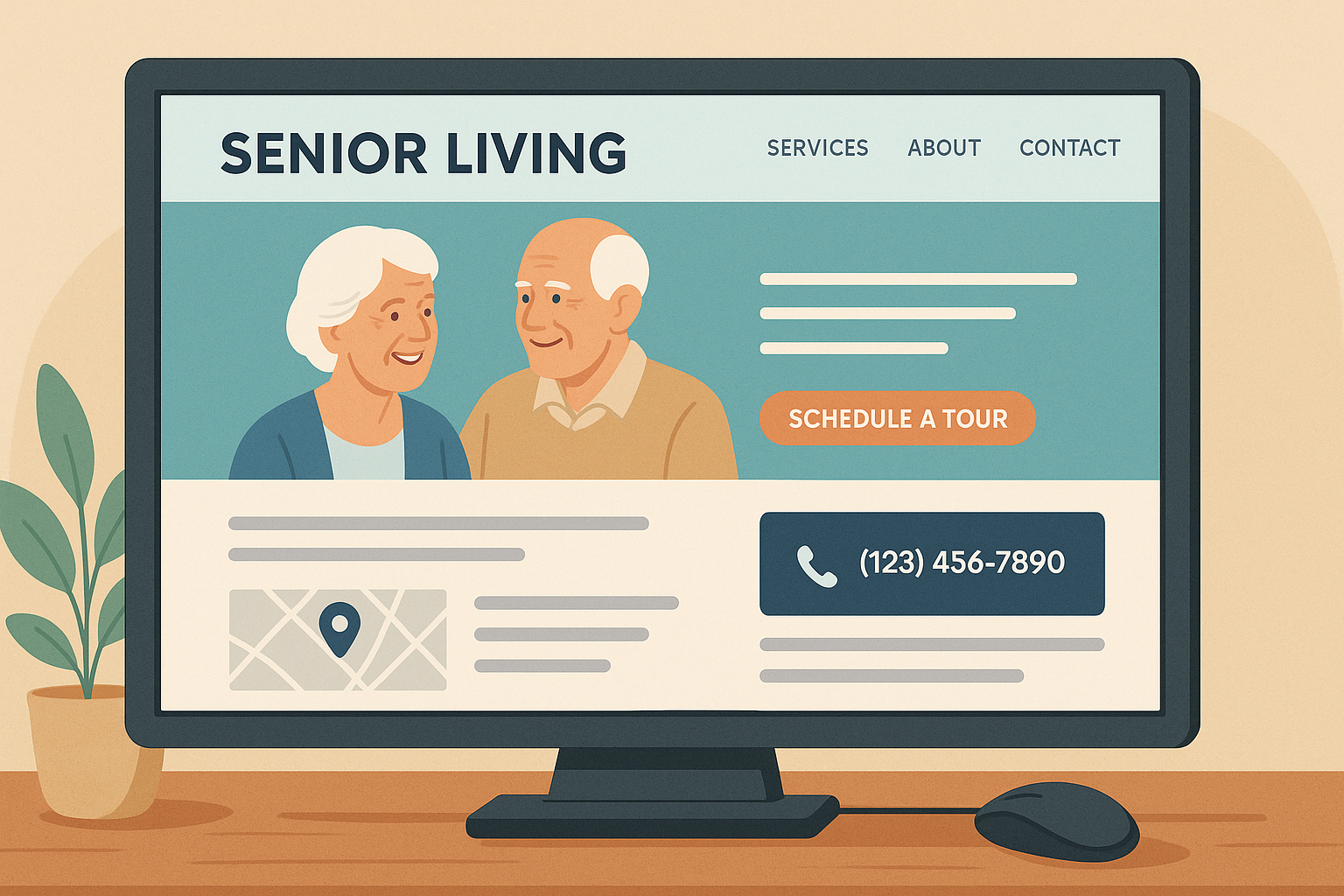
Your website is often the first impression families and potential residents get of your senior living facility. In many cases, it’s the difference between someone scheduling a tour or moving on to the next option.
It's all too easy for a family member of a potential senior living resident to search for assisted living facilities near them, click to your website, then click back immediately if they don't like what they see in mere seconds.
So think of your website as your online front door.
Just like you would want your building’s entrance to feel warm and welcoming, your website should invite visitors in. They should see exactly what they're looking for when they arrive and feel confident they're in the right place. As they look around and have questions, they should be able to quickly find the information they're looking for. And when they're ready to reach out, it should be absurdly easy for them to take the next step to contact you and even schedule a tour.
Oh, and your home page isn't the only entrance. Not everyone lands there first when they visit your website. People might come in through the “side doors,” too, if you have multiple locations. I recommend creating pages for each location you have, as well as each service level there. More on that later.
Senior Living Web Design: What Families Look For
Senior living web design is about more than visual appeal. Families searching for assisted living or memory care are making one of the biggest decisions of their lives, and your website is usually their first impression. A well-designed senior living website signals that your community is professional, trustworthy, and worth a phone call.
Good senior living web design gets three things right:
- Clarity: Visitors should understand within seconds what care types you offer, where you are located, and who you serve. If they have to hunt for your phone number or figure out whether you have memory care, the design is failing.
- Warmth: Authentic photos of real residents (with permission), actual staff members, and genuine community moments outperform stock photography consistently. Families researching senior care can spot generic stock photos immediately.
- Easy next steps: Senior living web design that looks beautiful but does not convert visitors into tour requests and phone calls is not doing its job. Every page needs a clear, visible call to action.
The sections below cover the specific elements that make a senior living website work from the ground up.
Why Your Website Matters
Many people believe seniors aren't online, but research shows otherwise. Over 67% of adults over 65 use the internet regularly, and their family members who are involved in senior living research and decision-making are even more likely to be online.
They want clear information, solutions to their problems at prices they can swing, reasons to trust you, and easy ways to make contact.
If your website is slow, outdated, provides a poor experience on smartphones, or is just confusing, visitors will leave quickly.
If it’s built well to be found online and convert visitors into sales leads, then it can work as a lead-generation machine for you around the clock. That’s what you want!
User Experience: Make It Easy to Take Action
A good website starts with a nice design and a strong user experience, which means your site should be easy to use and understand. Visitors should find what they need quickly.
Key user experience principles for senior living websites:
Clean and simple design. Avoid clutter. Let visitors focus on what matters most: your location, your service levels, communities, and contact information.
Clear headlines on each page. Any page people land on should be perfectly clear immediately, and on any device.
Fast page load times. A slow website frustrates visitors and can hurt your rankings on search engines.
Mobile-friendly design. Many, if not most, visitors will look at your site on a phone or tablet. Make sure it looks good and works smoothly on all major smartphones!
Clear navigation. Menus should be straightforward. Pages like “Schedule a Tour,” “Services,” and “Contact” should be easy to find at all times.
Turning Visitors into Leads
Once people land on your site, the goal is to turn them from visitors into leads. This is called conversion. It’s all about making it as easy as possible for someone to take the next step, like scheduling a tour.
By the way, if at all possible, allow people to schedule tours directly from your website!
Ways to increase conversions:
Clear calls to action. Buttons like “Schedule a Tour” or “Call Us Today” should stand out and appear throughout your pages. Use one bright color as the background for all buttons and only use it on buttons.
Short, simple forms. Only ask for what you need: name, phone number, email, and preferred tour time. Maybe level of care requirements like memory care. But just remember that you can gather more information later. We just want to get the process started!
Social proof and trust signals. Show reviews and testimonials from families, photos of real staff and residents, and any awards, certifications, or recognitions. Litter these high up on nearly every page; don’t just have a separate page with reviews and testimonials.
Easy contact options. Display your phone number on every page. You can also include a live chat feature or a button that lets people call you with one tap.
Content: Tell Your Story
Content is how you tell your story and build trust. It’s important to highlight your services, care approach, and what makes your community (or communities) different.
Ideas for content:
Answers to Frequently Asked Questions (FAQs), including pricing ranges
Profiles of key staff and caregivers
Details about activities, amenities, and dining
Testimonials from residents and families
Virtual tour videos and photo galleries
Use real photos and videos whenever possible. Stock images feel generic and don’t inspire trust. And for heaven’s sake, show pictures (and videos) of people! I can’t believe how often assisted living companies come to us with “ghost town” websites full of pictures of empty rooms and outdoor spaces. Invest in one solid photoshoot with a local photographer if you need to. And videos can be even better.
Help People Find You
A great website only works if people can find it. Search Engine Optimization (SEO) helps your website show up when someone searches for “assisted living near me” or “memory care in [your city or area].”
Basic SEO steps:
Create separate pages for each service or location
Use clear page titles and descriptions that include your target keywords (I’ll share the list of most common ones in the SEO section)
Add local keywords and place name references naturally in your written content
Regularly update a blog section with helpful information
Ask for reviews and respond to them
Earn links from other websites to yours
Tracking and Improving
You can’t improve what you don’t track. You’ll want to know:
How people are reaching your web pages
How many and how many times
What actions they’re taking or not taking
Where your leads, tours, and move-ins came from
Set up tools like Google Analytics, Microsoft Clarity, and call tracking phone numbers to learn what’s working. This helps you see which marketing channels and campaigns are working, which pages get the most visits, which calls to action work best, and where people drop off.
We will go deeper on tracking and measuring results when we cover sales Customer Relationship Management (CRM) systems and analytics in a future blog post.
Case Study: Milestone Senior Living
COO Julie Heil from Milestone Senior Living first reached out to me because her Director of Sales pointed out that they “weren’t showing up” in online search.
She had worked with a web design company to build their website, but she was coming to understand that that web design company’s job was to design and build the website, not make sure it ranked on search engines.
Now they needed to be found and get some serious sales leads for their 9 locations across Wisconsin and Minnesota!
The very first thing I did when I dug into their website was to add videos and Call to Action (CTA) buttons on every major page. Videos keep people on the page longer while educating and building trust.
Then, I optimized their pages for the keywords people search for and the names of each location.
For example, their page for their Eau Claire, Wisconsin location just said something like “Eau Claire,” so I optimized the page title and headline to include keywords people actually search like “Assisted Living & Senior Living | Eau Claire, WI.” (SEO titles need to be under 60-65 characters including spaces.)
They had been ranking on page 2 of Google, and we needed to get them to the top of page 1 for anyone to actually see them because most people only click the top 3 search results.
I also optimized their Google listing, so they could show up in the local maps pack results for their area.
Then we ran paid search engine ads on Google and Bing to those improved location pages. That seriously got the traffic flowing and leads coming in!
In fact, their occupancy rate grew from 82% to 95.5% across their nine locations in just nine months. The owner sold the company and retired. Julie retired, too, and moved to Florida. She left me this great LinkedIn profile recommendation:
“As the COO I had no knowledge about SEOs or how to make our website work for us but I knew enough to get an expert on board. Our website was not drawing inquiries into our locations. Now our website is drawing in inquiries. We are now meeting the needs of our customers and tracking who they are. Eagan has been excellent in learning about our business, developing success goals, and measuring outcomes. Our company has increased SEO traffic up 50% from March to June and has maintained that traffic, plus we have added another 600-800 website visits from Google AdWords and Bing Ads. In addition, Eagan is tracking calls, emails, contact forms, applications and number of clicks for directions from our website as well as making changes to our website to increase leads. It has been remarkable the difference in the number of leads and admissions since Eagan’s business Get Found Madison [my old agency’s name] made Milestone Senior Living a happening website.”
A stronger website was key in turning visitors into tour bookings and new residents.
Next Steps: Take a Hard Look at Your Website
Review your current website. Better yet, have an impartial friend or family member do it! Don’t tell them where to click. Just ask them to use the site and speak aloud what they’re thinking as they use it. This is called User Testing, and it’s an invaluable way to find ways to improve your web pages.
Is each page nicely designed, fast-loading, and mobile-friendly?
Can you tell what we do?
What questions do you have?
Can you find the answers to your questions easily?
Do you understand our costs and pricing?
Do you know what to do next as the user (and what will happen once you do)? Like fill out a form or call?
Does the website show what makes the community special?
What do other people say about the company?
Once your website makes the user feel like they’re in the right place and in good hands, you can start driving more visitors to it through paid ads, social media, and other channels.
Remember: Your website can be just another brochure online, or it can become a tool that brings in new residents and families. The choice is yours.
I have yet to see a web page that couldn’t be improved.