Facebook and Instagram Ads for Senior Living Communities
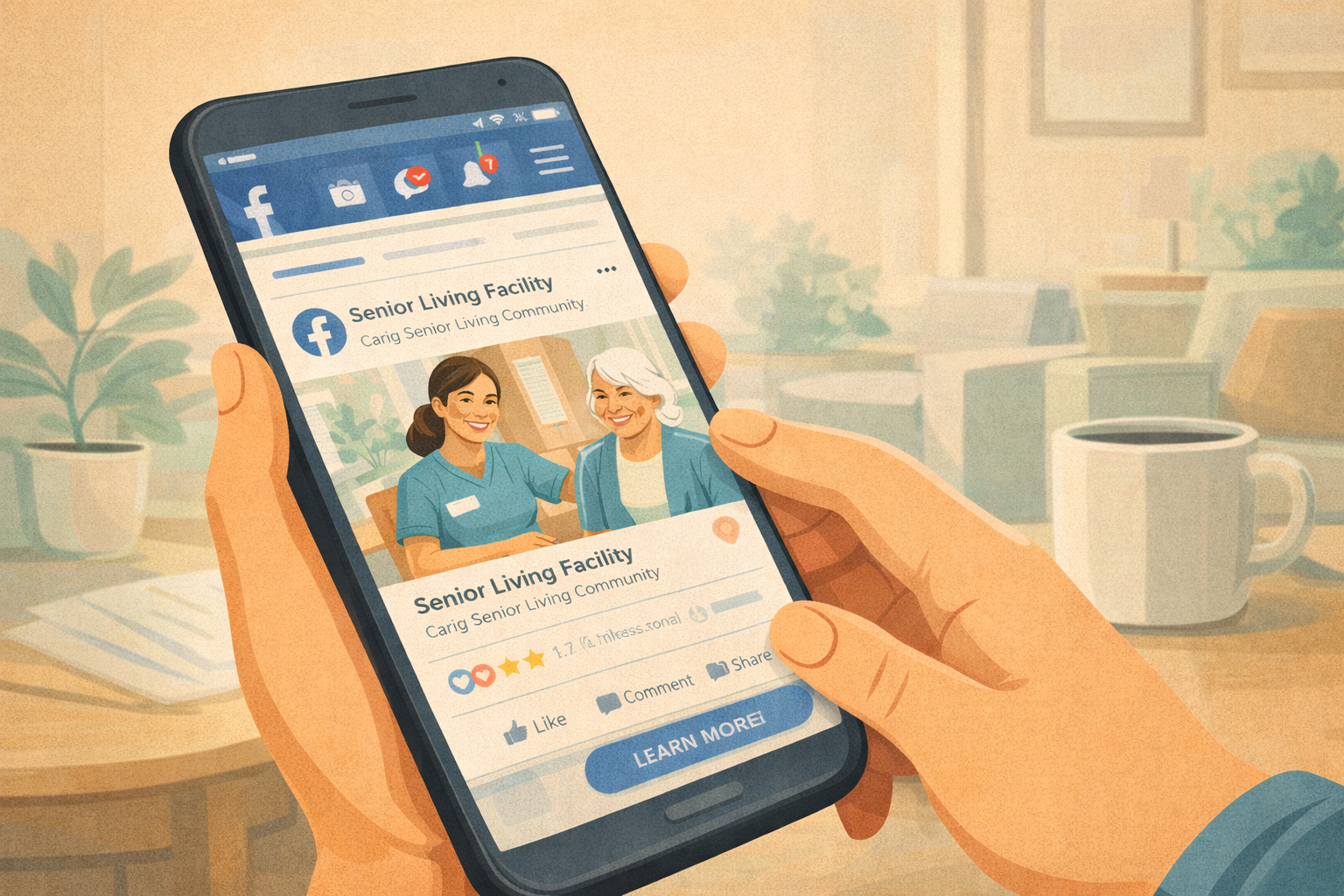
Many people confuse posting on social media with running ads on social media — but they are very different. When you post organically on Facebook, only a small percentage of your page followers will actually see your post. If your page has 500 followers, it's normal for only 5 or 10 people to even see a given post.
In contrast, when you set up and run paid social media ads, you can reach a much larger audience — even people who have never heard of your community. This is one of the most cost-effective ways to build awareness and generate leads for senior living and assisted living communities.
Why Social Media Ads Work for Senior Living
Social media ads help you get in front of families before they even start actively searching for senior living options. You build familiarity and trust early — before they're comparing multiple communities.
As a practical example: it's often the daughter or daughter-in-law doing the research for a potential resident, and that person is highly likely to be active on Facebook and Instagram. You can advertise to people in your geographic area who have never heard of you, which is a huge opportunity compared to only reaching your existing Facebook page followers.
You can also run remarketing ads to people who have already engaged with your ads or visited your website. Since families often take weeks or months to decide to move a loved one into assisted care, remarketing keeps you top of mind until the time is right.
Targeting the Right Audience
Facebook's targeting options are detailed. You can target by geographic location, demographics, interests, and behaviors related to caregiving. Note that in senior living, you need to follow non-discrimination laws when advertising housing, so you often cannot specify age and gender. That's okay — Meta (Facebook) is good at finding the right people based on who actually engages with your ads.
For cost reference: as of this writing, you can reach roughly 1,000 people in your target area for around $10 to $15, making paid social a highly cost-effective channel for building awareness.
Creating Effective Senior Living Social Media Ads
Strong social media ads should showcase what makes your community unique, caring, and trustworthy. Use real photos and videos whenever possible. Examples include smiling residents, staff interacting warmly with residents, and active group activities. Highlight important details such as:
Location and what's nearby
Available levels of care (assisted living, memory care, etc.)
Activities and lifestyle offerings
Dining quality and meal options
Safety and security features
Staff expertise and warmth
Reviews and testimonials from residents and families
Write in a conversational tone. Ask questions, address pain points, and make the next step clear. When families need senior living, they are often in a very stressful situation — you are solving a major set of problems for them. Don't be shy about emphasizing that they no longer have to be the full-time caretaker when your team takes over that role.
Calls to action like "Schedule a Tour Today" or "Download Our Free Guide to Choosing the Right Senior Care" work well.
Advertise Free Guides (Lead Magnets) to Build Your List
Senior living communities get their best results when they offer something valuable for free in exchange for contact information — like an email address. This could be an ebook, a moving checklist, or a free consultation. Take the questions your sales team receives on a regular basis, answer them, and turn that into a free guide for families.
Remember: much of the sales process happens before families ever call you. Help educate and guide them so they come to you when it's time. By running ads to helpful free guides, you build an email list of people in the research phase who will be helping a loved one move into assisted living in the coming months.
Converting Interest into Leads
Pair your ads with dedicated landing pages or lead forms. Do not just link to your website homepage and hope people figure it out. A dedicated landing page or form with a clear call to action makes it easy for family members to take the next step.
You can also run Facebook Lead Ads directly, where users can opt in without ever leaving Facebook or Instagram. Facebook often already knows their email address and phone number, so they can just tap a button to opt in. These work extremely well, and you can connect them to your email marketing or CRM tool using software like Zapier or GoHighLevel.
Measuring Your Social Media Ad Results
Set up conversion tracking to measure your cost per lead, cost per tour, and cost per move-in. Monitor performance in Facebook Ads Manager, removing ads that don't perform and investing more in those that do. Plan to test multiple ad creatives — different headlines, images, videos, and target audiences — to find the best combinations.
For example, one campaign for Copperstone Assisted Living in Wisconsin achieved a cost per lead as low as $14.45. If even one out of 20 leads like that closes, you can achieve a cost per move-in of around $300 — compared to the first month's rent you might pay to placement agencies.